
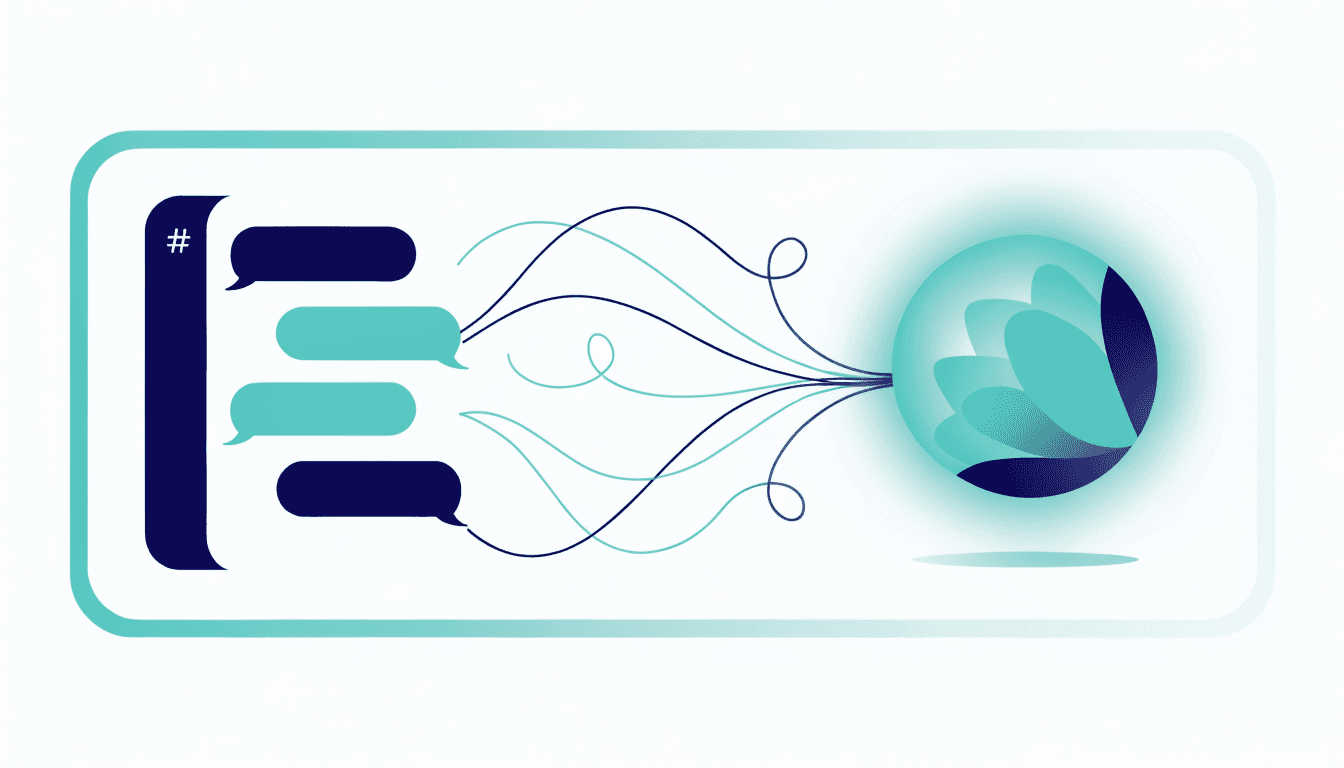
The phrase has caught on because it captures a shift. The first wave of AI in Slack was chatbots: ask a question, get an answer, start over next time. A Slack coworker is different — it has memory, it can use your tools, and it carries work forward across days and channels.
Slack coworker vs. Slack chatbot
The difference isn't cosmetic. A chatbot answers; a coworker acts. Here's how they compare:
| Slack chatbot | Slack coworker | |
|---|---|---|
| Memory | Forgets after each chat | Remembers per channel, across days |
| Tools | Answers from a model only | Uses your email, calendar, CRM, code |
| Output | A message in the thread | A finished task — draft, report, PR |
| Initiative | Waits to be asked | Runs scheduled work on its own |
| Scope | One assistant for everything | A distinct coworker per channel |
How a Slack coworker works
The best Slack coworkers share four traits:
What you can hand a Slack coworker
Teams put a Slack coworker to work across every department. A few of the most common jobs:
Operations
Marketing
Finance & engineering
What to look for in a Slack coworker
Not every AI-in-Slack product is a true coworker. Before you commit a team to one, check five things:
- Isolation. How are runtime identity, stored data, and credentials separated, and which plans use dedicated compute? These boundaries matter when a coworker touches sensitive tools.
- Model routing. Does it offer included models, connected accounts, or both, and which provider terms apply to each route?
- Approval policy. Can each tool be set to Allow, Ask, or Block, and what happens during unattended runs?
- Memory model. Is memory per channel, or one blurry pool? Per-channel memory is what makes it feel like distinct coworkers instead of one overloaded bot.
- Data handling. Which service processes request content, what is stored, and which provider terms govern model use?
Meet Yasmine, your Slack coworker
Yasmine is a Slack coworker built around those five principles. Every channel you add her to becomes its own coworker with its own memory. You can use included models or connect a supported model account; the selected provider processes requests under its terms. Every workspace gets tenant-scoped runtime identity, encrypted state, and credentials, while Dev adds dedicated compute. Tool calls follow the workspace's configurable Allow, Ask, or Block policy. She connects to 2,000+ tools and can run code on the Dev plan.
Setup takes about two minutes: install, choose an included model or connect a supported account, and say hello in any channel.